AI Profile Configuration
Self-hosted and locally-running open-source LLMs.
Run AI on your own hardware
Most AI tools send your documents to someone else's servers. With Contuitive, the AI can run on your own computer instead — so client files never leave your office.
- Local AI, built in: Contuitive works with Ollama, so open-source AI models run on your own hardware.
- Or the AI you prefer: connect OpenAI, Gemini or Claude in a separate AI profile instead.
- Nothing leaves your network: with local AI, reading receipts, summarising documents and searching photos all happen without a single byte leaving your local network.
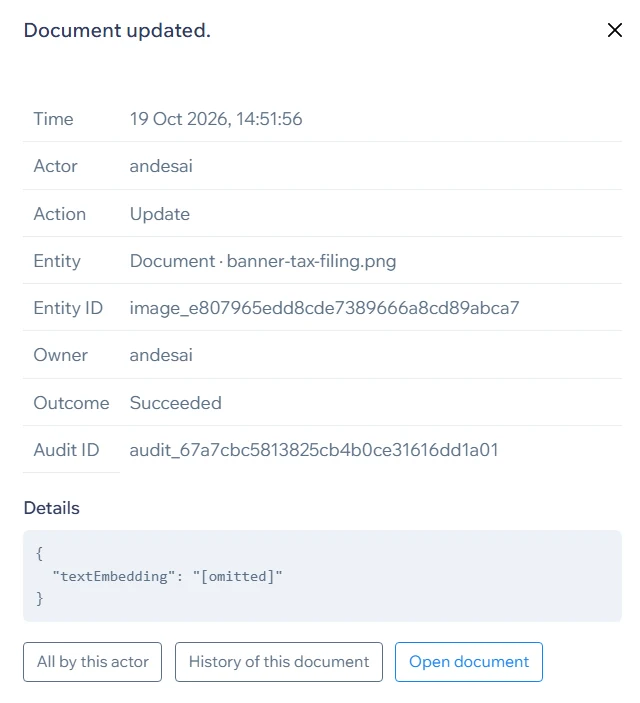
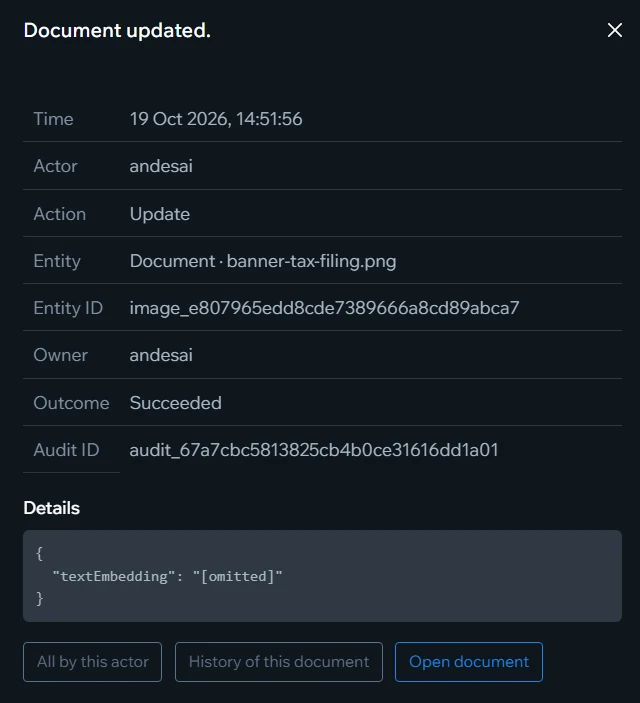
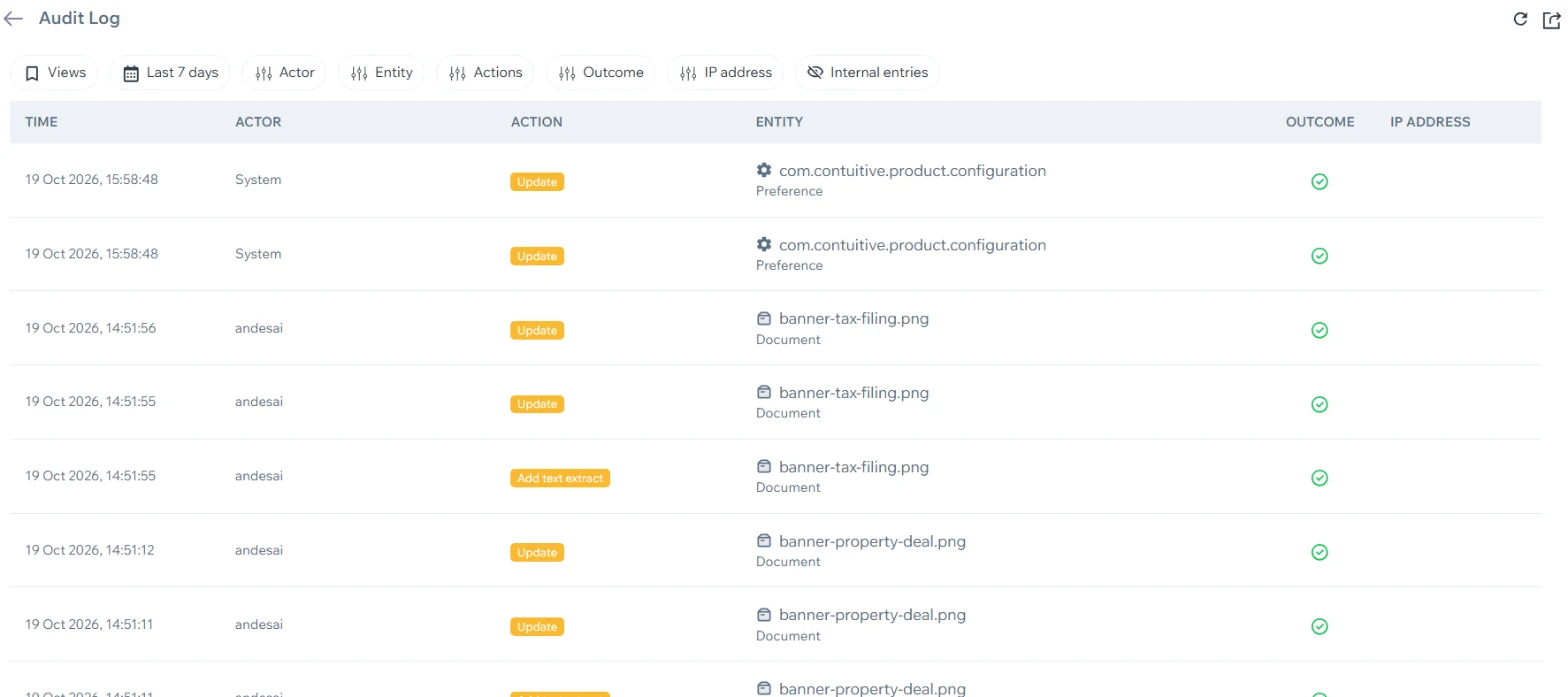
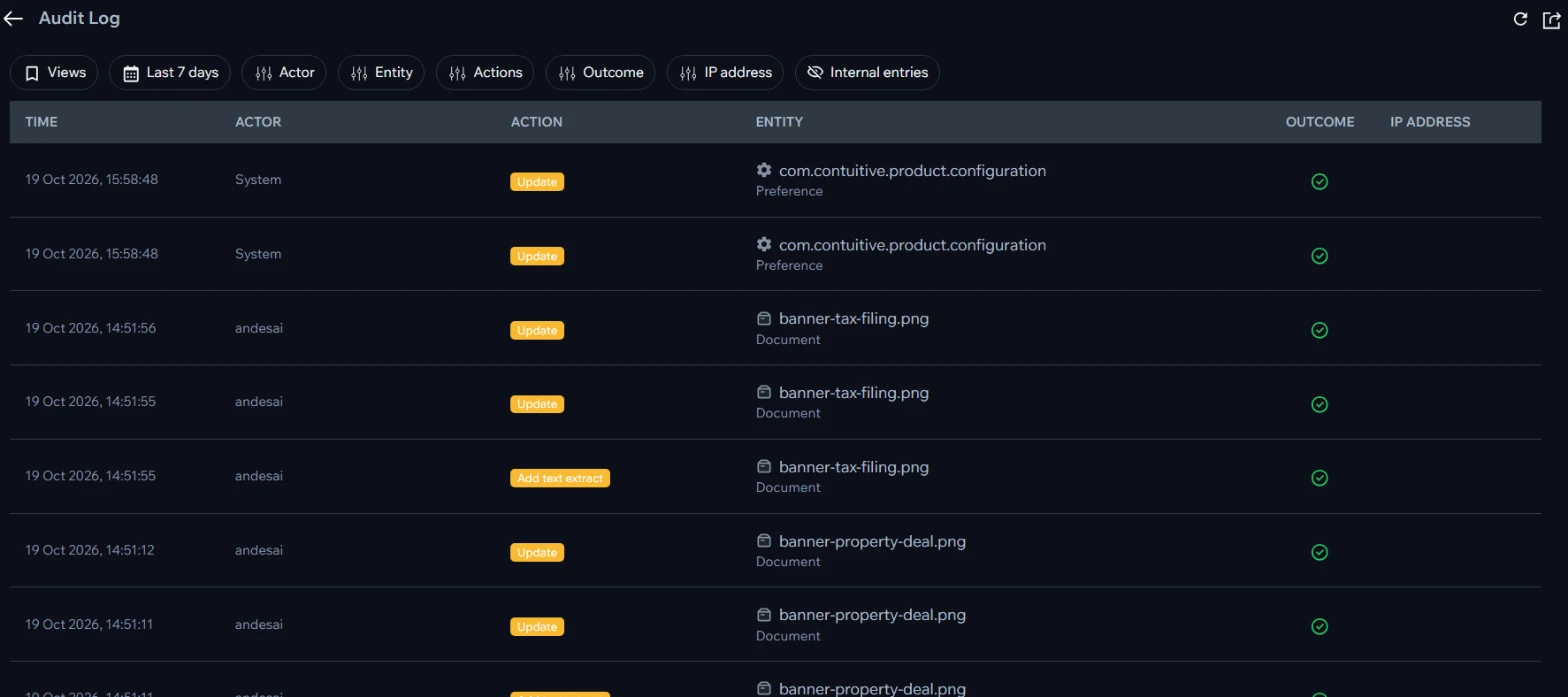
An audit log that answers "who did what, and when?"
Every sign-in, upload, change, download, export and deletion is recorded — for documents, projects, events, tags, users, roles and settings alike. When a client asks who saw their papers, or something goes missing, you have the answer in seconds.
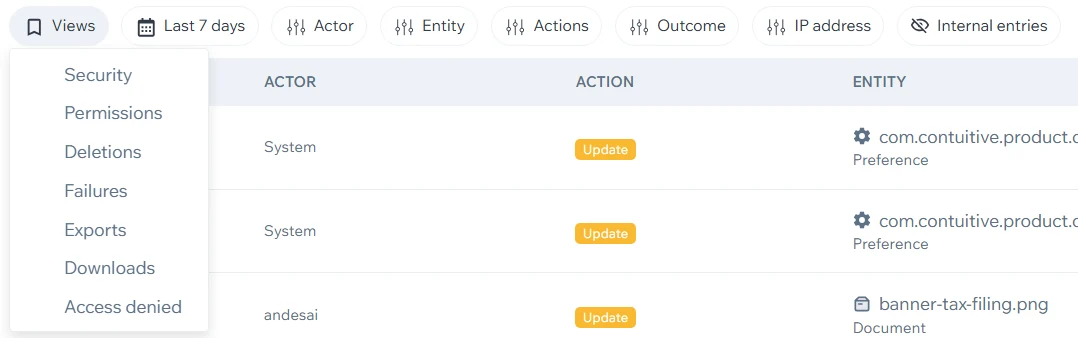
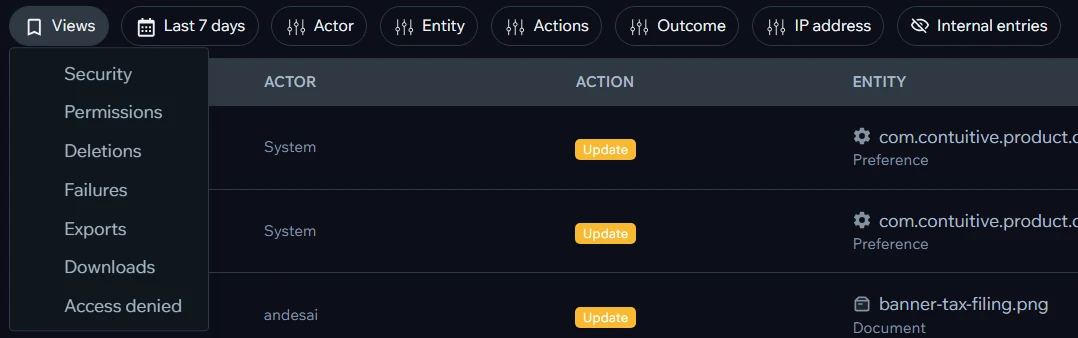
- Ready-made views: Security, Permissions, Deletions, Failures, Exports, Downloads and Access denied — one click to the question you're asking.
- Filter and export: by person, item, action, outcome, IP address and date range — then export the result for an auditor or a client.
- Follow the thread: from any entry, see everything that person did, or the complete history of that document or project.
- Security warnings: mass deletions, repeated failed sign-ins, repeated access-denied attempts and unusual bursts of downloads or exports raise a warning — as a notification in the app and highlighted in the audit log. Email and WhatsApp alerts are coming soon.
- Coming soon — AI anomaly detection: the audit log learns what normal activity looks like for your team and flags anything unusual, such as a sign-in at an odd hour or a sudden change in what someone opens.
- Nothing is rewritten: each entry has its own audit ID, and user IDs stay in the log forever — even after a user is removed, their actions remain traceable.
- ArchiveOut of the way, never deleted. Bring it back any time.
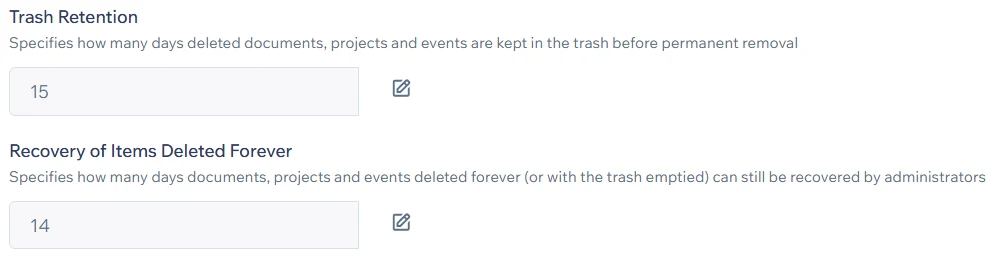
- TrashDeleted documents, projects and events wait here — 15 days by default — and can be restored.
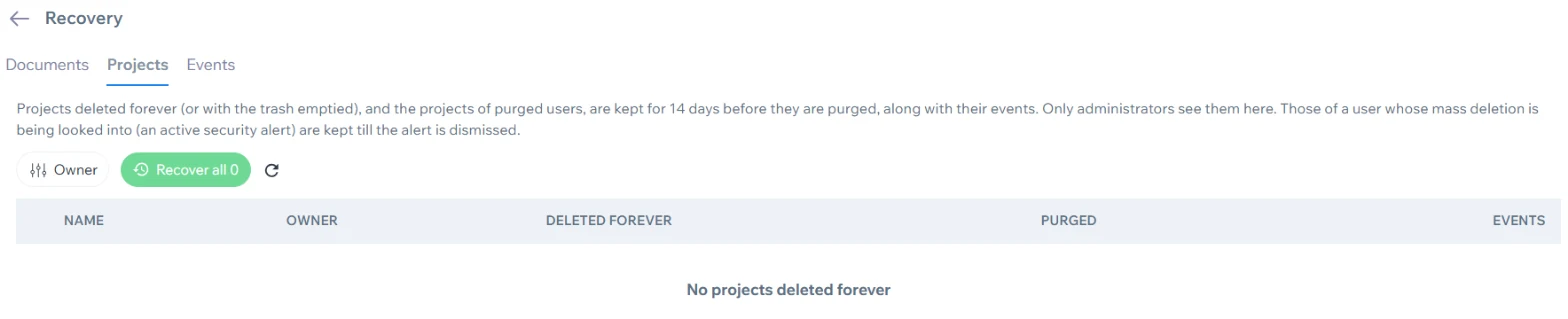
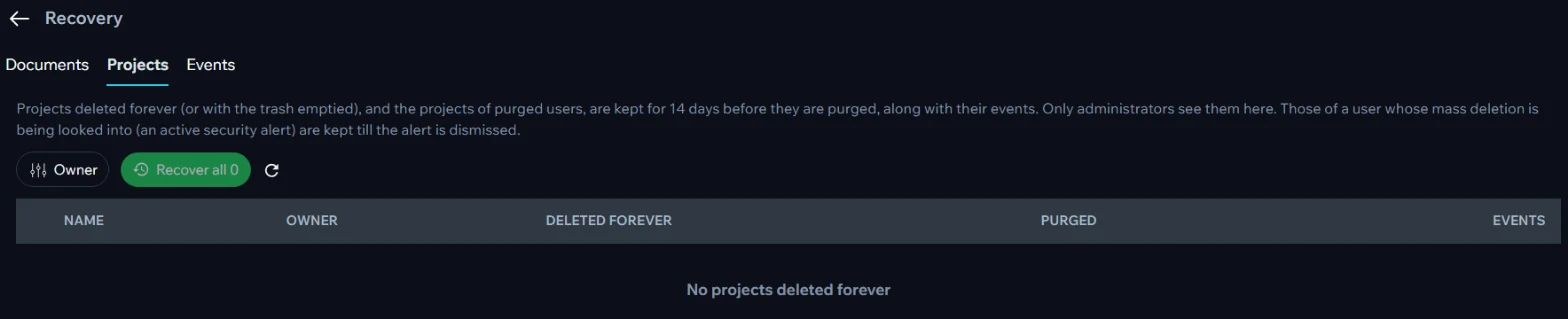
- RecoveryEven after "delete forever" or an emptied trash, administrators can recover them — for another 14 days by default.
- Held during a security alertWhile a mass deletion is being looked into, nothing that user deleted is purged.
Deleted doesn't mean gone
A wrong click shouldn't cost you a client's file. Contuitive puts several safety nets between "delete" and "gone forever" — and you decide how long each one lasts.
- Two safety nets: the trash for everyone, and a recovery window for administrators after items are deleted forever. Both periods are set in Settings.
- Mass-deletion protection: if someone deletes a large amount at once — by mistake or on their way out — a security alert is raised and everything they deleted is held until an administrator has looked into it.
- Projects come back whole: a recovered project brings its events with it, and a recovered event returns to its project.
- Work outlives accounts: when a user is removed, their projects are kept for recovery too.
Edit Role Permissions
Custom Role: ManagerEveryone sees exactly what they should
Go beyond a simple admin/user split. Decide, permission by permission, what each role can do — so the app follows the way your team is organised.
- Custom roles: give a role exactly the permissions it needs — for example, let someone create template placeholders without being able to delete files or manage users.
- Groups: put people in groups such as "Accounts team". Share a document with the group once, and every member has it.